
What DigiLocker is for, in plain language
DigiLocker is an official place to fetch issued documents into your own account. It does not hold every paper, and it is not a substitute for reading the form you are filing.
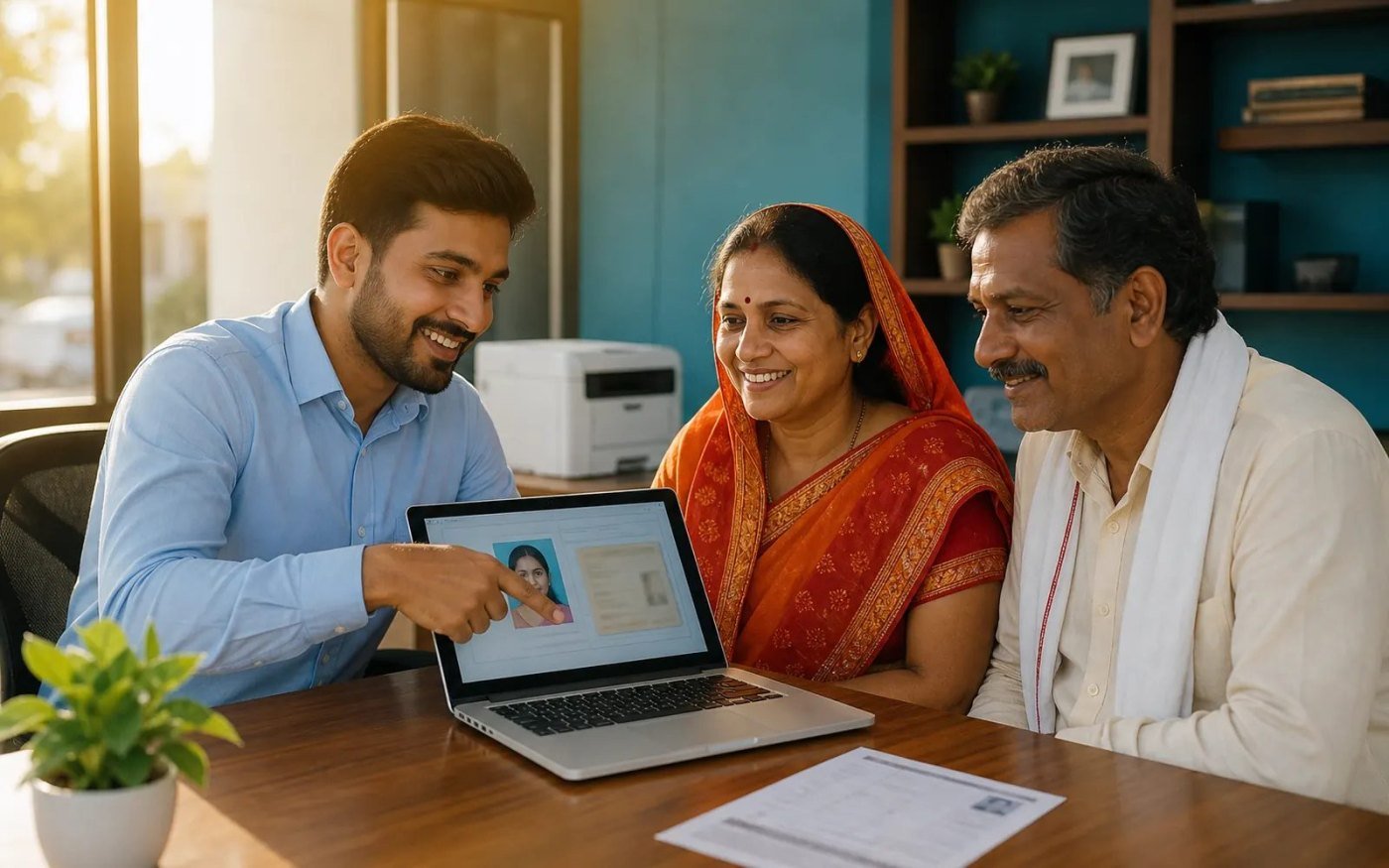
DigiLocker is a digital locker run for citizens so that some documents issued to you can be pulled into an account you control. It is part of the digital services stack, not a folder that automatically contains your whole life on paper.
What you can expect
After you sign in, you can try to fetch a document from an issuer that is connected. If the issuer has not issued that record to you, it will not appear. That is a limit of the system, not a reason to upload a random scan and call it official.
What to refuse
A helpful person can show you the screen. They do not need your password, and they do not need the OTP that arrives on your phone. If a counter asks you to read an OTP aloud for a “DigiLocker update” you did not start, stop.
The words you will hear at that counter — PDF, OTP, KB — are explained in a short glossary.
Source / reference
This note points at a page the desk used. It is not a claim that the other site wrote this article.
Questions this article answers
Does DigiLocker contain every certificate?
No. It can fetch documents that the issuing department has made available to your account.
Should I share my login with a counter?
No. You can show a fetched document. You do not need to hand over the password or OTP.
0 comments