
Words you hear at a digital service counter
PDF, OTP, JPEG, and KB are ordinary words at a service counter. Here is what each one is asking you to do, without a sales pitch.
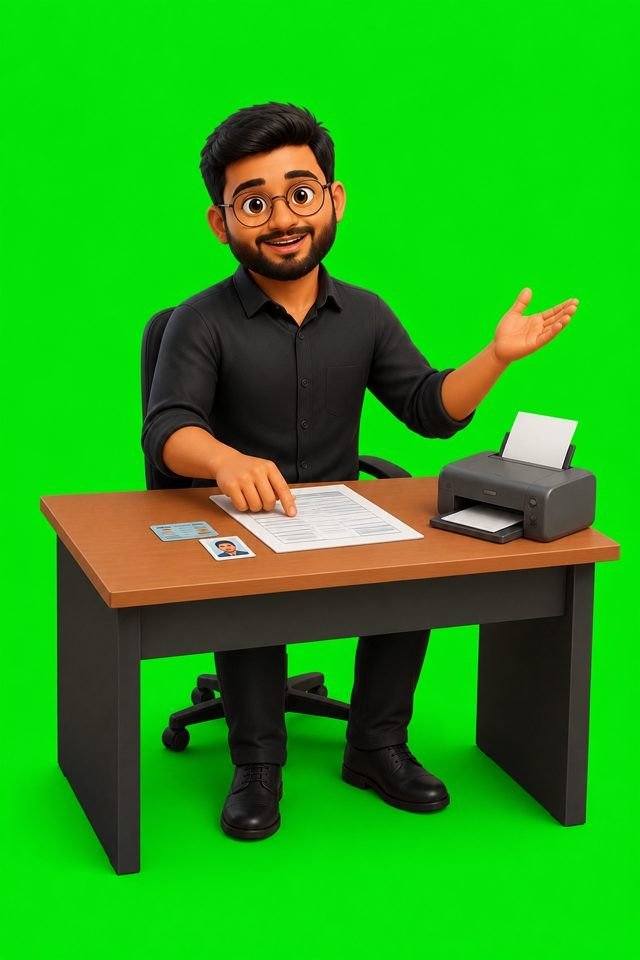
Counters speak in file words. You do not need a course to follow them. You need the meanings, and the confidence to ask the operator to show the screen.
A small glossary
- PDF — a document file. “Give it in PDF” means a scan or export, not a photo dumped into a chat if the portal refuses that type.
- JPEG or JPG — a photo file. Passport and form photos are often JPEG.
- KB — a measure of file size. “Under 50 KB” is a limit printed by that form. The number comes from the form, not from habit.
- OTP — a one-time code. It proves the phone is yours. Treat it like a password.
- Scan — a picture of a paper made by a scanner or a careful phone photo, saved in the file type the form requested.
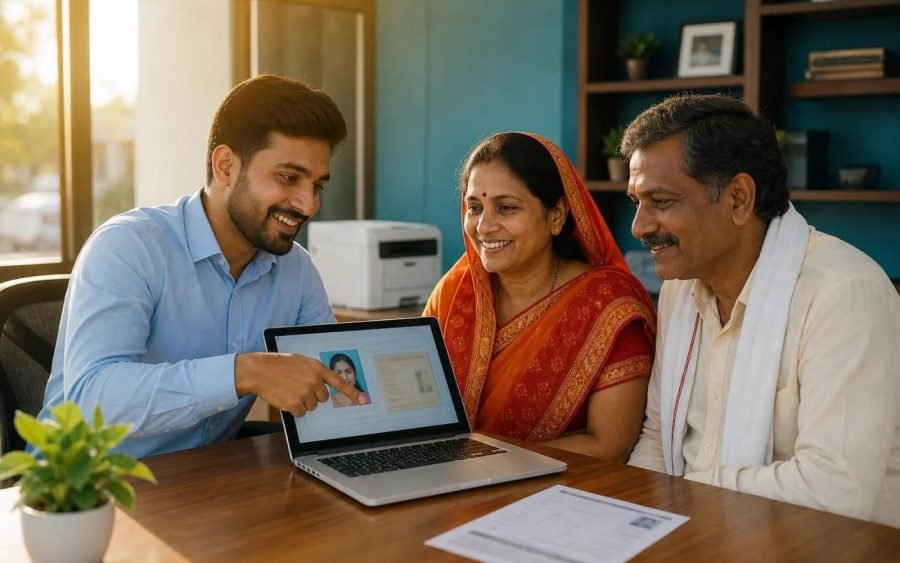
If a sentence at the counter still does not make sense, ask them to point at the instruction on the official site. DigiLocker has its own vocabulary, and it is worth separating from a plain file upload.
Source / reference
This note points at a page the desk used. It is not a claim that the other site wrote this article.
Questions this article answers
What is an OTP?
A short code sent to your phone to prove you control that number. It is a secret for that moment. Do not forward it.
What is a PDF?
A document file that usually looks the same on every screen. Forms often want a scan saved as a PDF.
0 comments