
Passport photo checks before you upload
Confirm the current size, background, and file rules on the passport site, then make the photo. Do not trust an old screenshot of the specification.
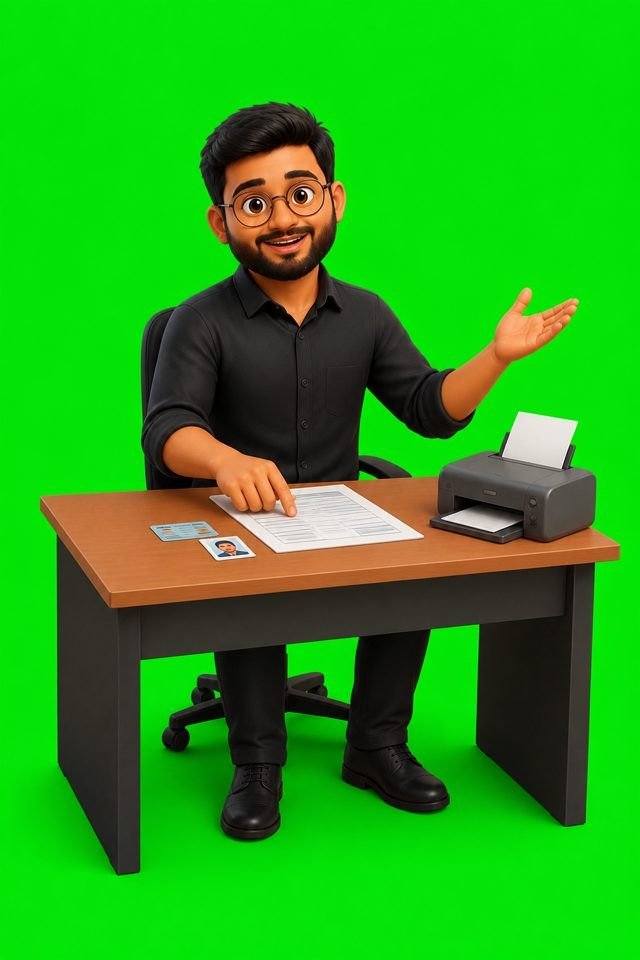
A passport photo is rejected for ordinary reasons: the background is busy, the face is too small in the frame, or the file is not the type the form accepts. The fix is to read the current rule, then make the file.
Read the rule on the portal
Open Passport Seva and find the photo specification for your application. Write down the background, the file type, and any file-size limit printed there. Those details can change. A saved image of an old instruction is not the specification.
Make the file after you have the rule
Use a plain background, look at the camera, and avoid a filter. If you want a tool that frames a passport size photo in the browser, Sharda Tools can do that step on your own device. The portal still decides whether the file is accepted.
- Do not upload a group photo and hope the crop is obvious.
- Do not wear glasses if the current instruction says not to.
- Keep a copy of the file you submitted.
Source / reference
This note points at a page the desk used. It is not a claim that the other site wrote this article.
Questions this article answers
Where do I confirm the photo rules?
On the Passport Seva website for the application you are filing, because file-size and background rules are part of that form.
Can I use a photo from last year?
Use a recent photo of you as you look now. The portal’s own instructions say what “recent” means for that application.
0 comments